
TL;DR
- Ticket platform pricing comparison depends on listing fees, buyer fees, payout structure, and extras like delivery or credit-card charges.
- Compare total cost per ticket, not just headline fees; hidden charges often change the final price.
- For most buyers, platforms that show full-price checkout and let organizers absorb fees offer the best value.

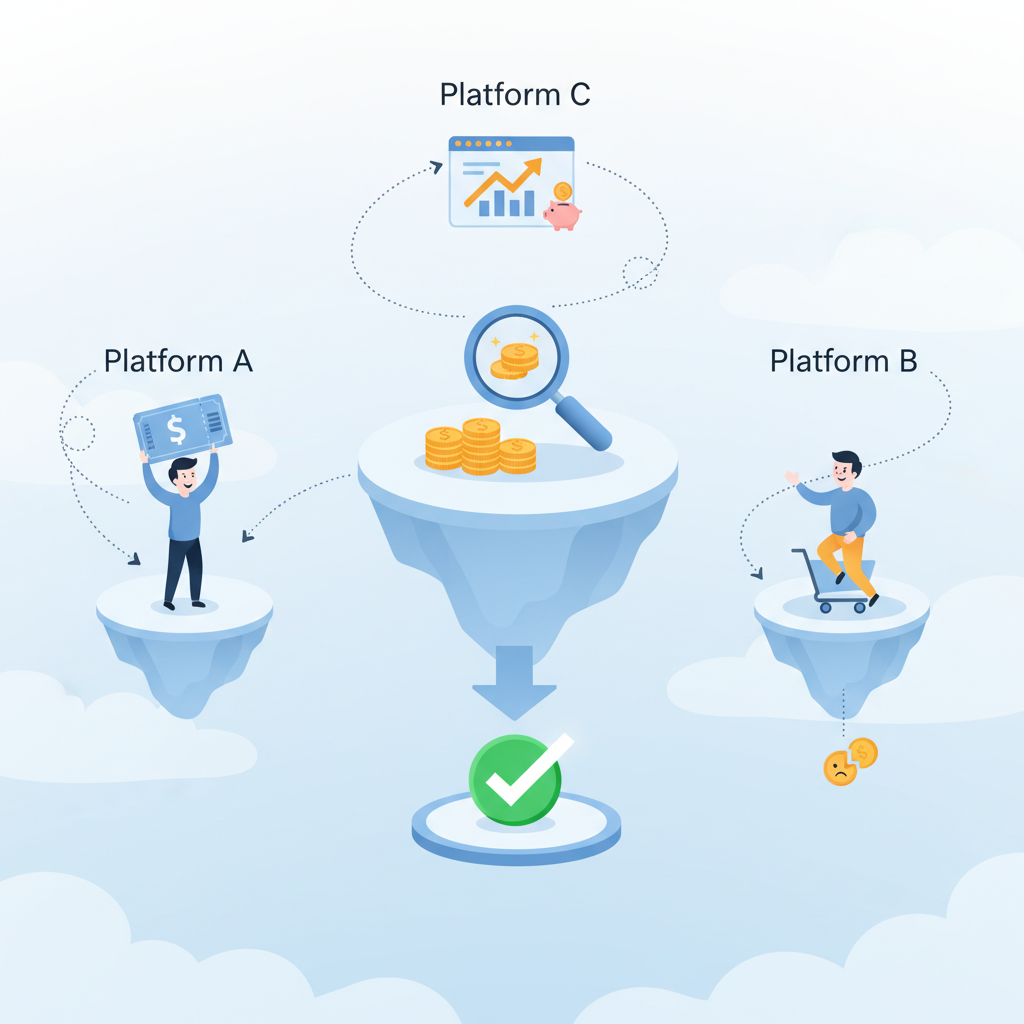
What you need to know
If you want a quick ticket platform pricing comparison, start by treating the sticker price and the checkout price as two different animals.
This section explains the basic fee types, who pays them, and what actually affects the price you pay or the money an organizer receives. For more on this, see Types of event tickets guide.
- Primary fee types: ticketing platforms generally charge a percentage of the ticket price, a flat fee per ticket, or a mix of both; some add payment processing fees separately.
- Buyer vs. seller fees: a platform can show low seller fees but push costs onto buyers, or it can bundle fees into one price the organizer absorbs; the visible cost can be misleading.
- Extras that matter: delivery fees, mobile-only discounts, refunds or exchange policies, and taxes can change the final cost more than the platform’s base fee.
Compare platforms by total out-the-door cost and by the net payout to the event organizer. If you’re buying for a group, multiply the per-ticket extras; small flat fees become big when you buy five or ten tickets. For more on this, see Ticket scam detection.
Compare total checkout cost, not the headline fee.
How it works
This section shows the step-by-step process you can use to compare ticketing platforms and decide which gives the best price for your event or purchase. For more on this, see Last-minute ticket buying tips.
Step 1: pick a ticket scenario. Are you buying a single general-admission ticket, several reserved seats, or vendor passes for a festival? Different scenarios trigger different fees (per-ticket fixed fees hit group buyers harder; percentage fees scale with price). For more on this, see Ticket buying guide.
Step 2: gather checklist items for each platform: base service fee, payment processing, delivery options, refund fees, and any mandatory taxes. Create a simple table with columns for each cost element and a final “checkout total.”
Step 3: run the same real checkout for each platform. Add the same seat or ticket type to the cart, use similar delivery and payment options, and reach the payment screen. The final number is the true comparison.
Step 4: check seller-side details if you’re organizing an event. Look for payout schedule, chargeback rules, and any caps on refundable fees — these affect whether a platform’s low buyer fees translate into fair revenue for organizers.
To keep this repeatable, use a five-item decision rule:
- Record headline fee structure (percent + flat).
- Record payment processing fee and who pays it.
- Record any required delivery or service charges.
- Calculate full checkout price for the ticket mix you need.
- Compare final buyer cost and organizer net revenue side-by-side.
A real checkout reveals the hidden cost faster than reading pricing pages.
Best practices
This section helps you apply what you learned so you save money and avoid common pitfalls when comparing platforms.
- Ask for sample invoices when buying in quantity so you can see per-ticket breakdowns and avoid surprise fees.
- Decide whether the organizer or buyer should absorb fees; having the organizer absorb fees can reduce buyer friction but raises upfront pricing.
- Look for platforms that show full price up front during discovery; transparent checkout reduces sticker shock and abandoned carts.
- Use a simple spreadsheet to run a ticket fees comparison across platforms for the same event date and seat type.
Common mistakes include comparing headline rates without running a checkout, ignoring payment taxes, and skipping delivery-method differences (mobile-only or print-at-home options can change costs).
Run identical checkouts across platforms to make an apples-to-apples comparison.
For organizers, negotiate fee splits and ask about promotional credits; some platforms offer marketing credits or discounted processing for first-time events, which affects the effective price.
FAQ
What is which ticket platform offers the best prices??
A ticket platform pricing comparison is the process of evaluating platforms by their total buyer cost and organizer net revenue, taking into account service fees, payment processing, delivery charges, taxes, and refund rules.
How does which ticket platform offers the best prices? work?
To determine which ticket platform offers the best prices, run identical checkouts on each platform for the same ticket types and delivery options, compare the final checkout totals and the net payout to the organizer, and factor in convenience features like mobile delivery and refund policies.